Why Is Your Internet Slow? How to Find the Real Bottleneck
Slow internet is often blamed on the internet plan even when the real problem is Wi-Fi coverage, one overloaded device, an old router, or a remote service. Upgrading the plan without isolating the bottleneck can increase the bill while leaving the frustrating part unchanged.
You should test the connection in a controlled order: one wired device, the local network, Wi-Fi locations, individual devices, and then the applications you use.
Find out when the slowdown happens
Restarting equipment may temporarily clear a problem, but it doesn’t explain it, so before changing anything, record when the slowdown occurs, which devices and applications are affected, and whether the issue is constant or appears only during busy hours.
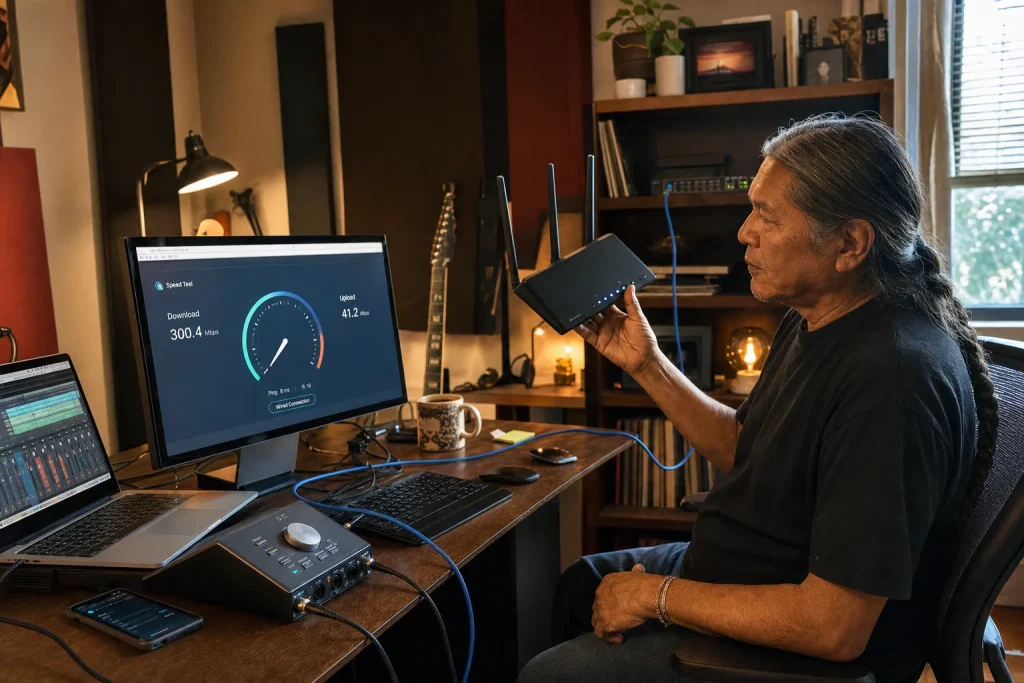
Connect one capable computer directly to the router or gateway with Ethernet when possible. Pause large downloads, cloud backups, game updates, cameras, and streaming on other devices, then run several tests at different times.
Compare download speed, upload speed, and latency with your plan. Download affects receiving data, upload affects sending files and video, and latency affects how quickly an interaction begins. A video call can feel poor even when a large download test looks fast.
Separate internet service from Wi-Fi
If the wired connection performs well but devices struggle in certain rooms, the internet plan is probably not the first problem to solve. Test near the router and then in the problem location.
Walls, floors, distance, interference, router placement, and crowded wireless channels can reduce Wi-Fi performance. Moving the router into an open central position or using properly placed access points may help more than buying additional internet speed.
Don’t assume that a signal booster automatically creates a better network. A poorly placed extender may repeat an already weak signal and add another handoff problem.
Test devices and applications separately
If only one computer is slow, check its updates, storage, security scan, browser extensions, network adapter, and background activity, but if only one service is slow, compare another site or application because the remote provider or route may be the constraint.
You should also check whether a virtual private network, security filter, cloud sync tool, or company remote-access system changes the result. These tools can be necessary, so the goal isn’t to disable protection permanently. The test tells you which layer needs attention.
Know when to call the provider
Keep dated test results from a wired connection along with outage times, modem lights, error messages, and support ticket numbers. Ask the provider to confirm signal levels, equipment health, local outages, plan provisioning, and whether your modem or gateway is supported.
If the connection repeatedly falls far below the service you purchase under controlled conditions, request escalation. The FCC's broadband consumer label requirements give you a better reference than an advertisement when discussing the plan and its stated performance.
Fix the part causing the slowdown
Upgrade the plan when your household or business genuinely needs more capacity and the service is delivering what you already buy. Improve Wi-Fi when the wired baseline is sound but coverage isn’t, and repair or replace a device when the problem follows that device.
The useful diagnosis isn’t "the internet is slow." It is "the wired service is healthy, but video calls fail in the back office," or "all wired devices lose upload speed every evening." Once you can say which layer fails, you can spend money on the part that can actually change the result.