How to Dispose of Old Computers Without Exposing Your Data
Deleting files and emptying the recycle bin isn’t the same as removing data from a computer. Before you sell, donate, recycle, return, or discard a device, you should protect the records on it and choose a disposal method that matches the sensitivity of the information.
The safe sequence is to inventory and back up what you need, remove accounts and management controls, sanitize the storage appropriately, verify the result, and then use a responsible reuse or recycling channel.
Decide what must be retained first
Identify business records, tax documents, customer information, photographs, license keys, encryption recovery keys, and application data that must move elsewhere, and confirm the backup by opening representative files or restoring them to another location.
Do not erase the only copy because a synchronization icon looked current. If the device belongs to an employer, client, school, or managed program, follow its return procedure instead of resetting it yourself.
Remove access as well as files
Sign out of applications and remove the device from account dashboards, device-management systems, password managers, multifactor authentication, and software activations when appropriate. Transfer any business ownership or administrator role that depends on the device.
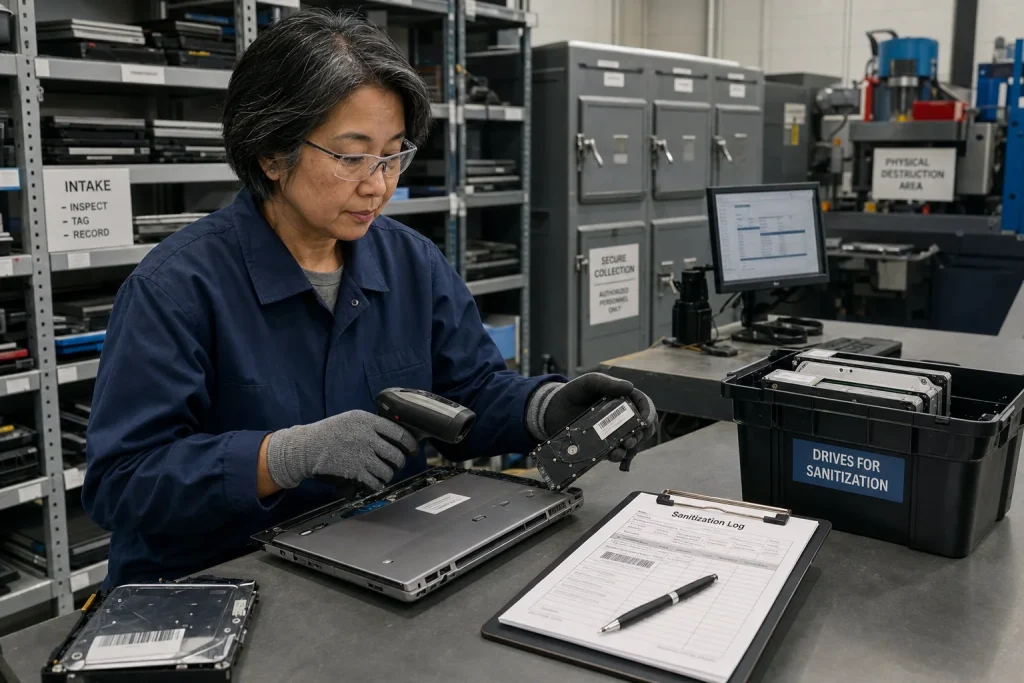
You should also record the serial number, the asset tag, the storage type, the sanitization method, the date, and the destination when the device contained sensitive business information. That creates an accountable disposal record instead of relying on memory.
Match sanitization to the media and risk
NIST defines media sanitization as removing data with reasonable assurance that it can’t be easily retrieved and reconstructed. Its media sanitization guidance distinguishes clearing, purging, and destruction and recommends choosing a method based on the media and confidentiality of the information.
A normal factory reset may be appropriate for some encrypted personal devices when the manufacturer documents what it does. It may be insufficient for damaged storage, highly sensitive records, or a device whose reset process only removes file pointers.
Do not improvise physical destruction with fire, household tools, or unsafe battery handling. A qualified data-destruction or electronics recycler can provide an appropriate process and, when needed, a certificate or other record of destruction.
Reuse when it is safe and practical
An older computer may still serve another person after an upgrade, repair, or supported software installation, and the EPA recommends considering upgrades before replacement and deleting personal information before donation or recycling in its electronics guidance.
If the device is reused, install supported software, apply updates, and make sure the recipient receives only the accounts and files intended for them. Do not donate a machine that can’t be used securely simply to avoid disposal.
Recycle batteries and electronics correctly
Electronics and lithium-ion batteries don’t belong in ordinary household recycling or garbage. Remove batteries when the device design and local instructions allow it, and use collection options approved for that material.
Check state and local rules because electronics disposal requirements vary. Ask a recycler how it handles data-bearing devices, batteries, downstream materials, and documentation rather than assuming every collection bin provides secure destruction.
Before the computer leaves your hands, make sure you've kept the files you need and removed the data someone else shouldn't have. Then choose a safe way to pass it on or recycle it, including any batteries.